Edit Training Plan
To edit training plan detail, click on the link of recommended training name, then the following page will appear.
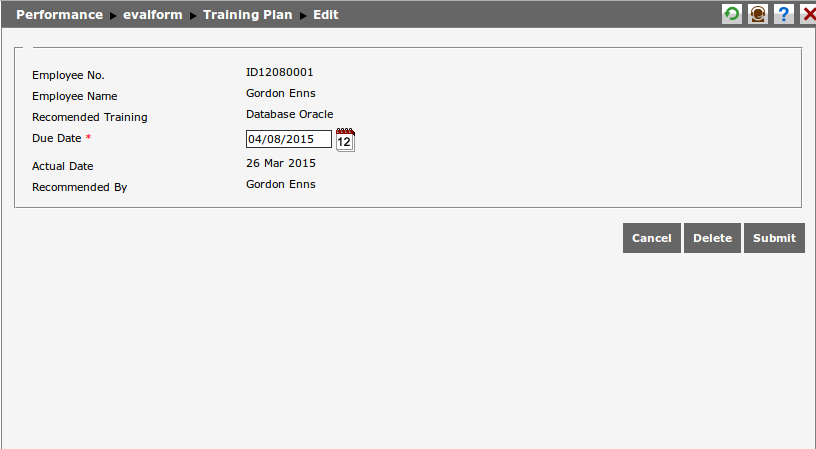
User can edit the following data in Training Plan:
- Employee No: The employee number will appear on Edit Training Plan page, but it cannot be edited.
- Employee Name: Employee name will appear on Edit Training Plan page, but it cannot be edited.
- Recommended Training: The type of recommended training will appear on Edit Training Plan page, but it cannot be edited.
- Due Date: Determine the due date of training. Click
 to choose the date from calendar.
 - Actual Date: The actual date will appear if the recommended training has been participated by employee, and this date cannot be edited.
- Reommended By: Employee name who recommends the training will appear here, and it cannot be edited.
Click  to save the data change to the system. Click
  to cancel editing the data and go back to previous page. Click
  to delete training plan.